Compress PDF to 500 KB
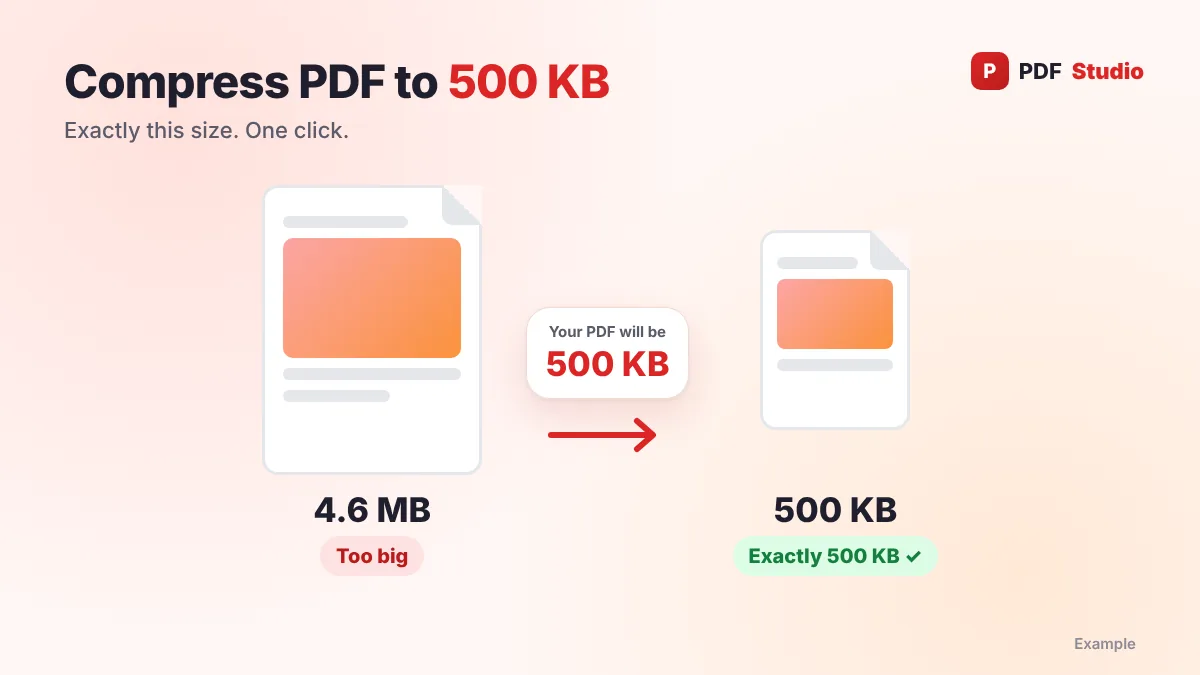
Turn your PDF into an exactly 500 KB file, with clear pictures and sharp text. Free, private and processed in your browser — files are never uploaded.
How to use Compress PDF to 500 KB in 4 steps
- Add the PDF you want at 500 KB.
- Make sure the page shows "Exactly 500 KB".
- Click "Compress PDF to 500 KB".
- Download your file and upload it where you need it.
When to use Compress PDF to 500 KB
Use it when an upload page asks for a 500 KB PDF, or when you want a small file that still looks good when printed.
Key features
- Exactly 500 KB — Your file comes out at 512,000 bytes, shown as 500 KB.
- Good Print Quality — At 500 KB most documents still print clearly.
- One Click — There is no size to type. The page does it all.
- Free and Private — No account, no upload and no watermark.
A free PDF compressor to 500 KB
This page makes your PDF exactly 500 KB. It keeps the best picture quality that fits in that space.
There is nothing to install. It runs in your browser, and your file stays on your device.
To compress without a set size, use Compress PDF online free. There are many more free online PDF tools to try too.
What 500 KB is good for
- Reports and letters with a few pictures
- Scans of about three to five pages
- School work and forms you need to upload
Need a smaller size?
Try Compress PDF to 300 KB or Compress PDF to 200 KB. Each of those pages makes its own exact size.
Other sizes
Need a different size? Each page below makes your PDF exactly that size.
Frequently asked questions
How do I compress a PDF to 500 KB?
Add your PDF and click the button. The tool makes the pictures smaller, a bit at a time, and then sets the file to exactly 500 KB.
What kind of PDF fits in 500 KB?
Most short reports, forms and scans of up to about five pages. Long files full of photos may not.
I need a different size. What do I do?
Pick another page, such as Compress PDF to 300 KB or Compress PDF to 1 MB. Each page makes one exact size.
Does compressing to 500 KB change my words?
No. Only pictures are made smaller. Your words, tables and lines stay the same.






















 AgentHunter Featured AI Agent