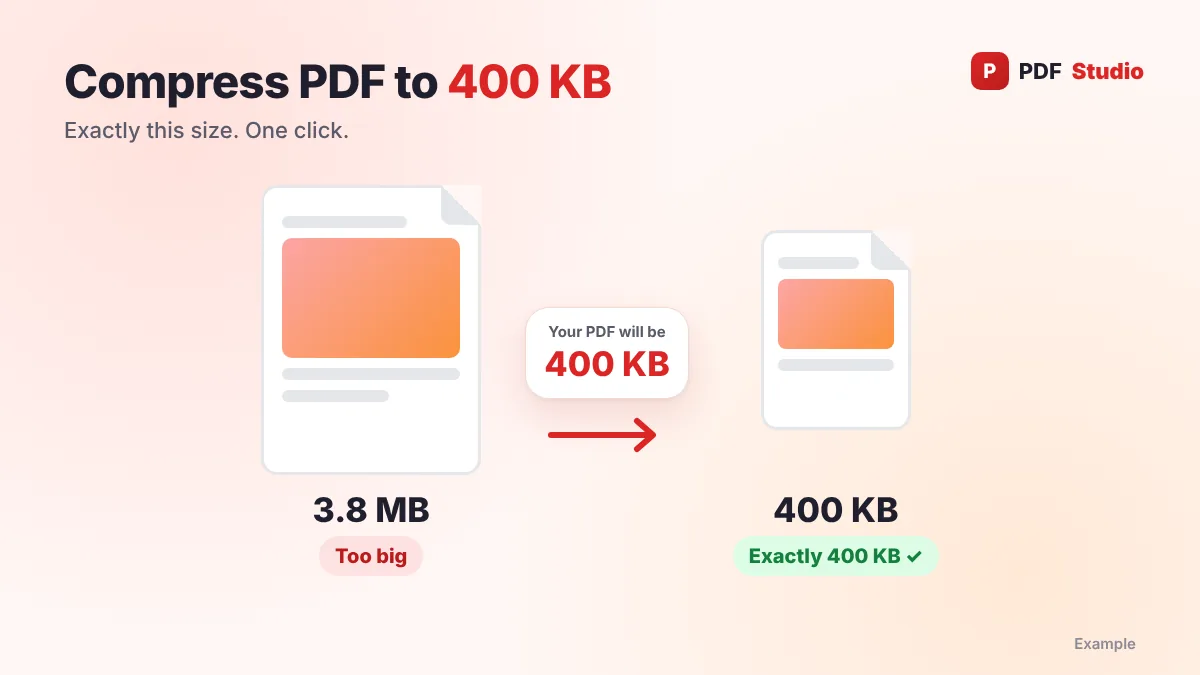
Compress PDF to 400 KB
Make your PDF exactly 400 KB without losing your text. Free, private and processed in your browser — files are never uploaded.
How to use Compress PDF to 400 KB in 4 steps
- Add the PDF that must be 400 KB.
- See that the page reads "Exactly 400 KB".
- Click "Compress PDF to 400 KB".
- Save the 400 KB PDF to your device.
When to use Compress PDF to 400 KB
Use it when a website asks for a 400 KB PDF, such as a document upload for an application.
Key features
- Exactly 400 KB — Your file comes out at 409,600 bytes, shown as 400 KB.
- Pictures Stay Clear — It only shrinks the pictures as much as it needs to.
- Shows the Final Size — You see the size before you upload.
- No Upload — Everything happens on your device.
A PDF compressor to 400 KB
This page turns your PDF into an exactly 400 KB file with one click. It picks the gentlest setting that fits, so your file looks as good as it can.
You can reduce PDF size to 400 KB on a phone or a computer, with no app to install.
For a normal squeeze with no set size, try Compress PDF online free. See the rest of our free online PDF tools too.
If 400 KB is too tight
- Remove pages you don't need with Delete Pages.
- Scan in grey instead of colour.
- Or split the PDF and send it in two parts.
Other sizes
Need a different size? Each page below makes your PDF exactly that size.
Frequently asked questions
How do I compress a PDF to 400 KB?
Add the PDF here and click the button. The tool shrinks the pictures and makes your file exactly 400 KB.
Is 400 KB enough for a scanned document?
Usually, for three to five pages scanned in grey. Many colour photos may need more room.
Does the extra space change my pages?
No. When a file is smaller than 400 KB, empty data is added inside it. It is invisible, and your pages look the same.
Does the 400 KB compressor cost anything?
No. It is free, with no sign-up and no watermark.






















 AgentHunter Featured AI Agent