Compress PDF to 300 KB
Get your PDF to exactly 300 KB for uploads that need a small file. Free, private and processed in your browser — files are never uploaded.
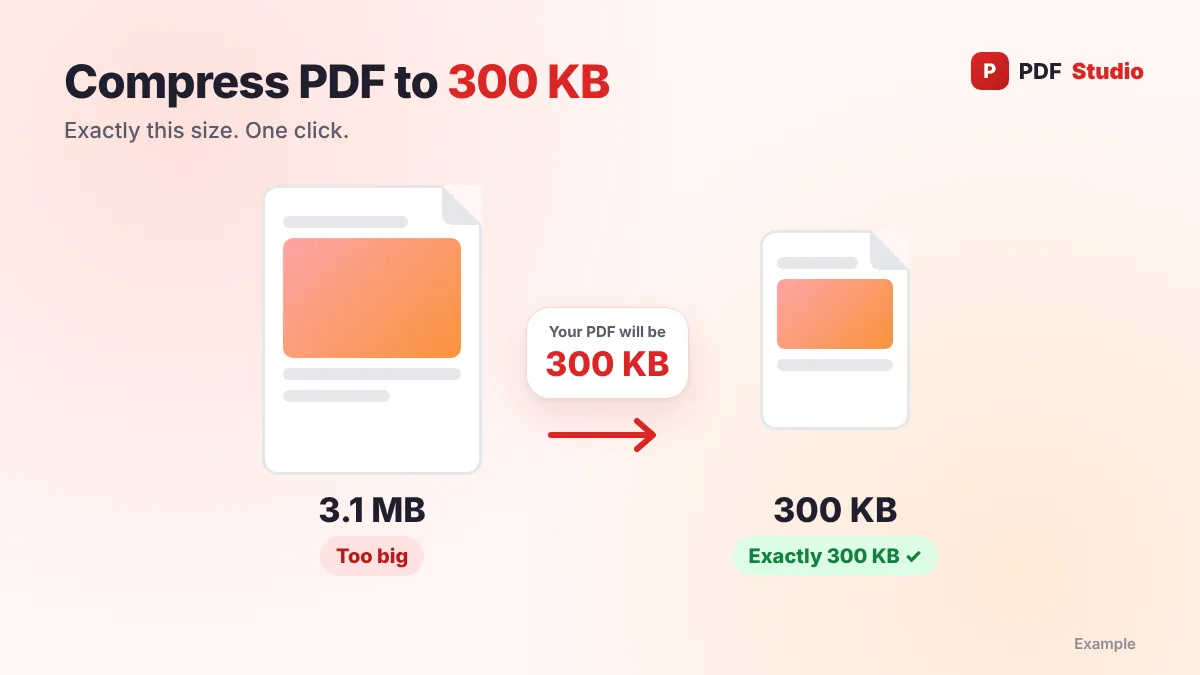
How to use Compress PDF to 300 KB in 4 steps
- Add the PDF that needs to be 300 KB.
- The size is fixed at "Exactly 300 KB".
- Click "Compress PDF to 300 KB".
- Download it and upload it to your form.
When to use Compress PDF to 300 KB
Use it when an online form asks for a 300 KB PDF, for example for mark sheets, letters or proof of address.
Key features
- Exactly 300 KB — Your file comes out at 307,200 bytes, shown as 300 KB.
- Clear Result — It shows the final size, so you know it is right.
- Nothing to Set — Just add the file and click.
- Free, No Upload — Works in your browser with no account.
Compress a PDF to 300 KB in one click
This page saves you from guessing. It finds the clearest result that fits in 300 KB and makes the file exactly that size.
Not sure which size you need? Start with Compress PDF online free, or look through our free online PDF tools.
Before you start
- Keep only the pages the form needs.
- If you are scanning, choose grey instead of colour.
- Close other apps on a phone if your PDF is very big.
Other sizes
Need a bit more room? Try Compress PDF to 500 KB. Need it smaller? Try Compress PDF to 200 KB or 100 KB.
Other sizes
Need a different size? Each page below makes your PDF exactly that size.
Frequently asked questions
How do I reduce PDF size to 300 KB?
Add your file and click the button. The tool tries stronger settings until the PDF fits, then sets it to exactly 300 KB.
How many scanned pages fit in 300 KB?
Often two to four pages, if they are scanned in grey. Colour scans take more space.
Why is my file 300 KB if it was smaller before?
The tool fills the extra space with empty data, so the size is exact. Your pages look the same.
Will the form accept my 300 KB file?
If the form asks for 300 KB, yes. The tool only says Done when the file is exactly 300 KB, or tells you if it can't get there.






















 AgentHunter Featured AI Agent