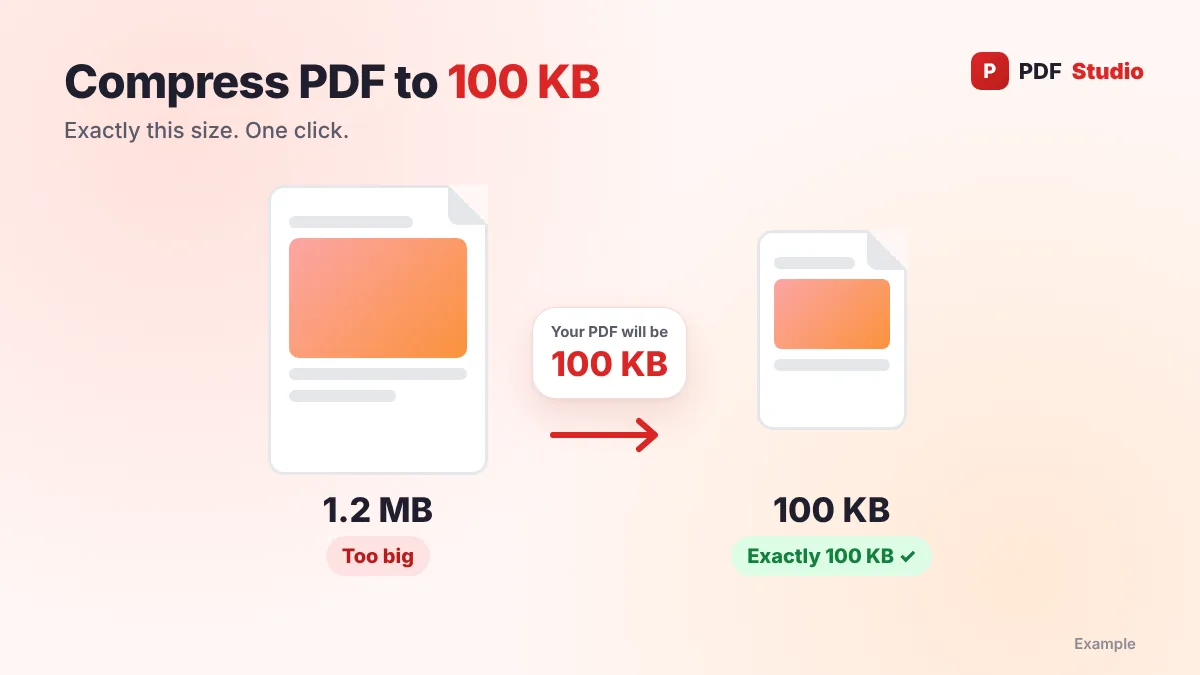
Compress PDF to 100 KB
Get your PDF to exactly 100 KB for strict upload rules. Free and private. Free, private and processed in your browser — files are never uploaded.
How to use Compress PDF to 100 KB in 4 steps
- Add the PDF that must be 100 KB.
- Check the size box: it shows "Exactly 100 KB".
- Click "Compress PDF to 100 KB" and wait a moment.
- Save your 100 KB PDF and upload it.
When to use Compress PDF to 100 KB
Use it when a form wants your file to be 100 KB. Exam forms, job applications and ID uploads often use this size.
Key features
- Set to 100 KB — This page only makes 100 KB files, so there is nothing to choose.
- Sharpest Pictures That Fit — The tool keeps as much detail as 100 KB allows.
- Works on Phones — Make a 100 KB PDF on iPhone, Android or a computer.
- Private — Your file is never uploaded, which matters for ID cards and certificates.
A free PDF compressor to 100 KB
Need a 100 KB file fast? This page does the work for you. It finds the best quality that fits, then sets the size to exactly 100 KB.
You can reduce the size of a PDF to 100 KB online without an account, and nothing is stamped on your pages.
For other sizes, go to Compress PDF online free. You can also see every tool on our free online PDF tools page.
Which files fit in 100 KB?
- A one-page scan of an ID card, a certificate or a letter
- Two or three pages of typed text
- A photo of a document saved as a PDF
If your PDF can't reach 100 KB
- Keep only the pages the form asks for. Use Extract Pages to pick them.
- Scan again in grey instead of colour.
- Try the new file here once more.
Other sizes
Need a different size? Each page below makes your PDF exactly that size.
Frequently asked questions
How can I reduce PDF size to 100 KB?
Add the PDF on this page and click the button. The tool shrinks the pictures and then makes the whole file exactly 100 KB.
Can every PDF be made 100 KB?
No. A PDF with many photos or many scanned pages may not fit. One or two scanned pages usually do. If yours can't, the tool tells you.
Will the website see exactly 100 KB?
Yes. The file is 102,400 bytes, which computers and most websites show as 100 KB.
Do I need to install anything to get 100 KB?
No. Everything works in your browser on any phone or computer.






















 AgentHunter Featured AI Agent