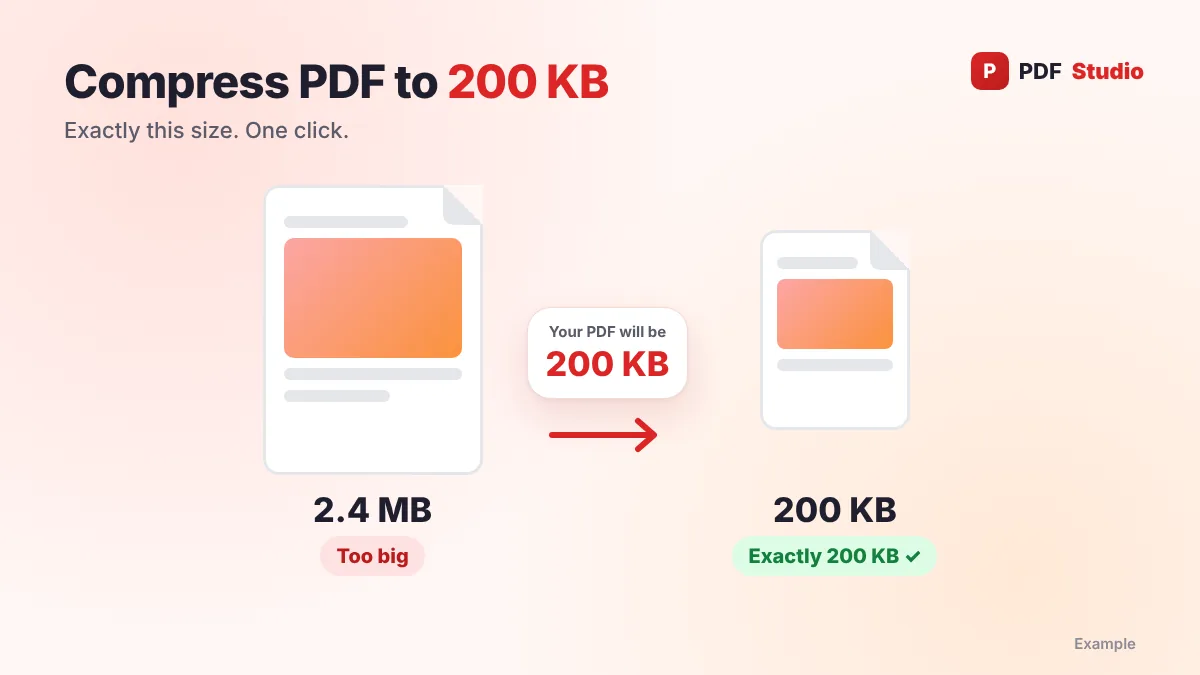
Compress PDF to 200 KB
Make your PDF exactly 200 KB in a few seconds. Free, with no upload. Free, private and processed in your browser — files are never uploaded.
How to use Compress PDF to 200 KB in 4 steps
- Add the PDF you need at 200 KB.
- See that it says "Exactly 200 KB".
- Click "Compress PDF to 200 KB".
- Download your PDF, now exactly 200 KB.
When to use Compress PDF to 200 KB
Use it when a website or form asks for a PDF of 200 KB. Many job, school and government forms set a size like this for documents such as certificates and ID cards.
Key features
- Exactly 200 KB — Your new PDF is 204,800 bytes, which computers show as 200 KB.
- Best Quality for the Size — The tool picks the clearest pictures that still fit in 200 KB.
- Honest Result — If 200 KB can't be reached, it tells you and shows the smallest size it got.
- No Upload — Your PDF is made smaller on your own device and never sent anywhere.
A free PDF compressor to 200 KB
This page makes your PDF exactly 200 KB. You don't pick a level or type a number. Add the file and click once.
It is free and works in your web browser, so you can resize a PDF file to 200 KB online from a phone or a computer.
Need a different size? Use Compress PDF online free to pick a level, or browse all our free online PDF tools.
What fits in 200 KB?
A long scan with many photos may not fit. If that happens, split it and send it in parts.
- One or two scanned pages, like a certificate or a mark sheet
- A few pages of plain text
- A short form with a signature on it
Tips for a sharper 200 KB file
- Scan in black and white or grey if you can. Colour scans need more space.
- Remove blank or extra pages first with Delete Pages.
- Then compress the file here.
Other sizes
Need a different size? Each page below makes your PDF exactly that size.
Frequently asked questions
How do I compress a PDF to 200 KB?
Add your PDF here and click the button. The tool makes the pictures smaller step by step, then sets the file to exactly 200 KB.
Will my PDF still be readable at 200 KB?
Yes, in most cases. Words and lines stay sharp, and only pictures lose a little detail.
My PDF is only 80 KB. What happens?
The tool adds empty space inside the file, so it becomes exactly 200 KB. Your pages stay the same.
Is this PDF compressor to 200 KB free?
Yes. You can use it as many times as you like, with no account and no watermark.






















 AgentHunter Featured AI Agent